


Getting Started
Set the goal, device and workflow setup. Hands-on from the start: examples, common pitfalls, first stations of your own.
Hands-on professional development for teachers and schools. We show how XR, 360° media, and interactive learning spaces can be used in teaching and project work — with real pedagogical purpose, realistic setups, and no tech spectacle.
Suitable for beginners · No prior XR experience needed · Available as in-school training (SCHILF)
Suitable for beginners and schools with little XR experience — also ideal for pilot projects, project days, and curriculum development.
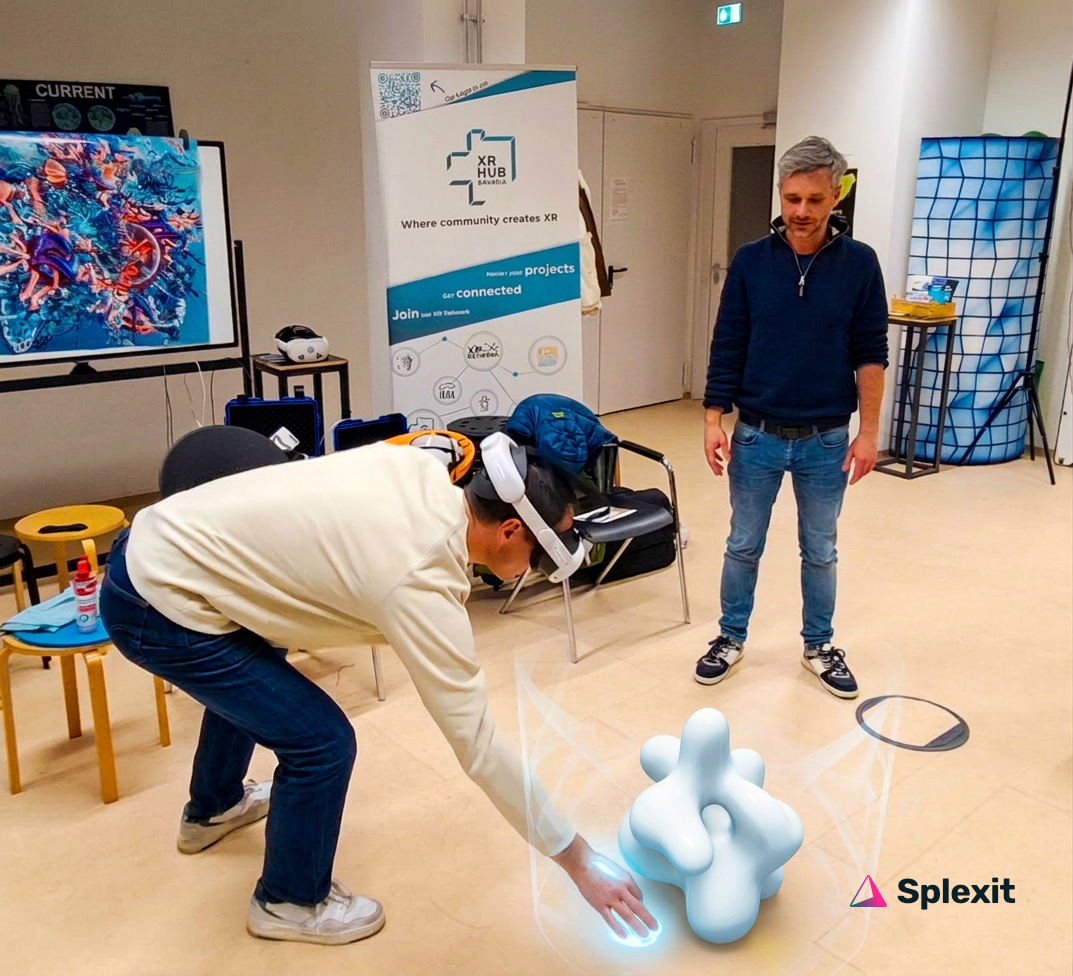
In our workshops, teachers work directly on concrete lesson ideas and experience how spatial media can be meaningfully used in a school context.
The formats are designed around realistic school conditions — from short sessions to in-depth workshops for departments, project groups, or entire staff teams.
Set the goal, device and workflow setup. Hands-on from the start: examples, common pitfalls, first stations of your own.
Work with your own content: create, organize, and tailor media to your pedagogical goals — until you have a working example.
Presentation, feedback, and next steps. You leave with a usable example and the workflows you developed.
We offer professional development in a variety of formats — on-site, with partners, or on request. Together we'll figure out the right audience, duration, location, and technical setup.
We offer workshops and professional development for schools, teachers, departments, and educational institutions. Together we'll define the audience, format, scope, location, and technical requirements.
Impulse, half-day, full-day, SCHILF — overview of available formats and topics.
Teachers, departments, media centers, schools. Also for beginners with no XR experience.
Get in touch — we'll discuss what you need and arrange the format, location, and date.
More context: Feasibility study. The criteria from XRXplorer School can help you assess whether your institution is a good fit for our formats.
Our formats work across all school types. Possible topics include XR in the classroom (intro and hands-on), 360° media, immersive learning spaces for history, STEM, languages, or project work. We tailor content and examples to your subjects and audiences.
No. The workshops are designed for beginners. With or without prior XR experience — we adapt to your starting point and goals.
Yes. Depending on the format, headsets can be provided. We'll clarify technical requirements together during planning.
We'll determine group size and format together — from impulse sessions for small teams to full in-school training (SCHILF) for staff or departments.
Pedagogy comes first: How do I use XR and immersive media meaningfully in the classroom? Technology is taught so you can work independently afterward — no tech spectacle.
Get in touch — we'll discuss your audience, format, scope, location, and date. Often in partnership with organizations (e.g. XR Hubs, educational institutions). The workshop is planned specifically for you.
Depending on the format, we use suitable tools and platforms for interactive, spatial learning content — including Splexit. The focus is on pedagogical value; the tools support the training.