

Like slides, but spatial.
With the Splexit app, your presentation becomes a spatial experience. Your participants share it together, live-led by you.


Your stage.
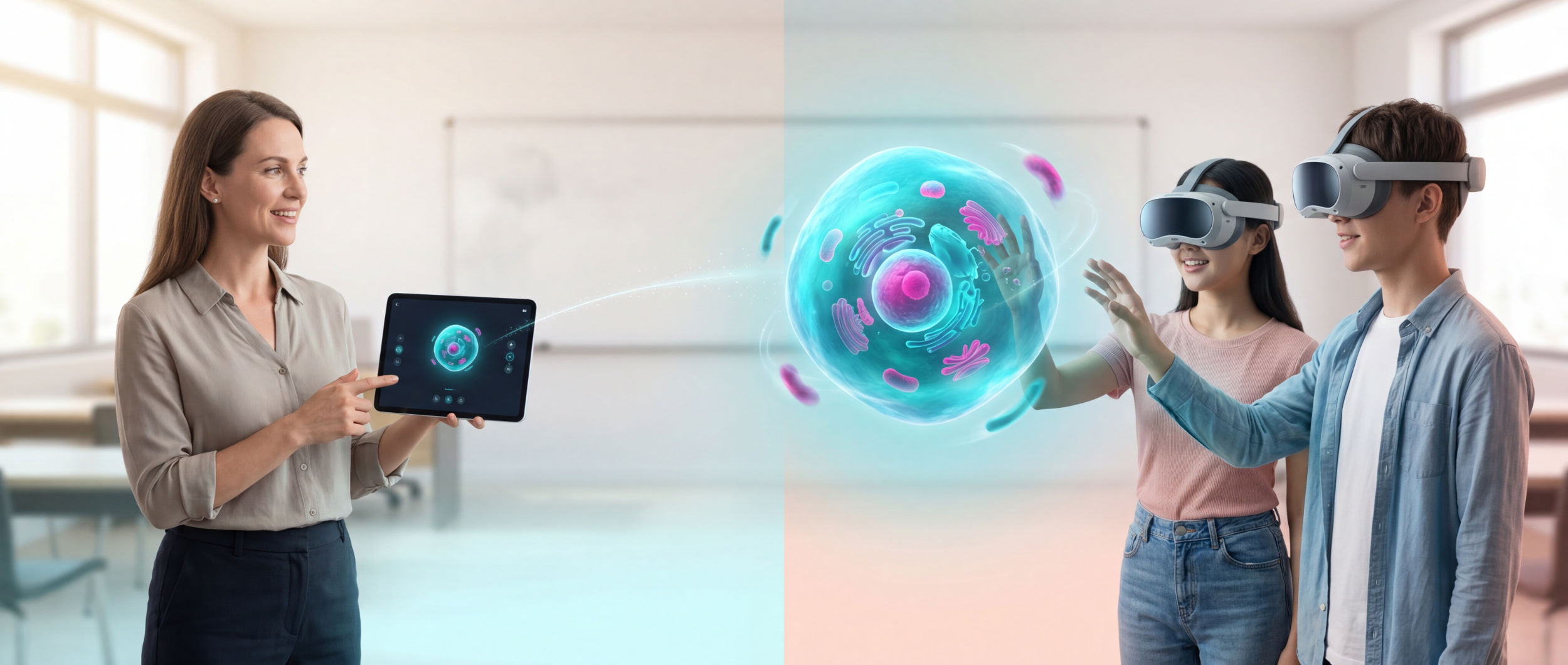
Your presentation is a stage in the room. Open a scene on the tablet, your audience experiences it in the XR-Headset, live and led by you.
- 3D scenes as a spatial presentation surface
- Live-led: you decide what everyone sees
- Tablet and XR-Headset: start the scene, experience together
From the tablet.
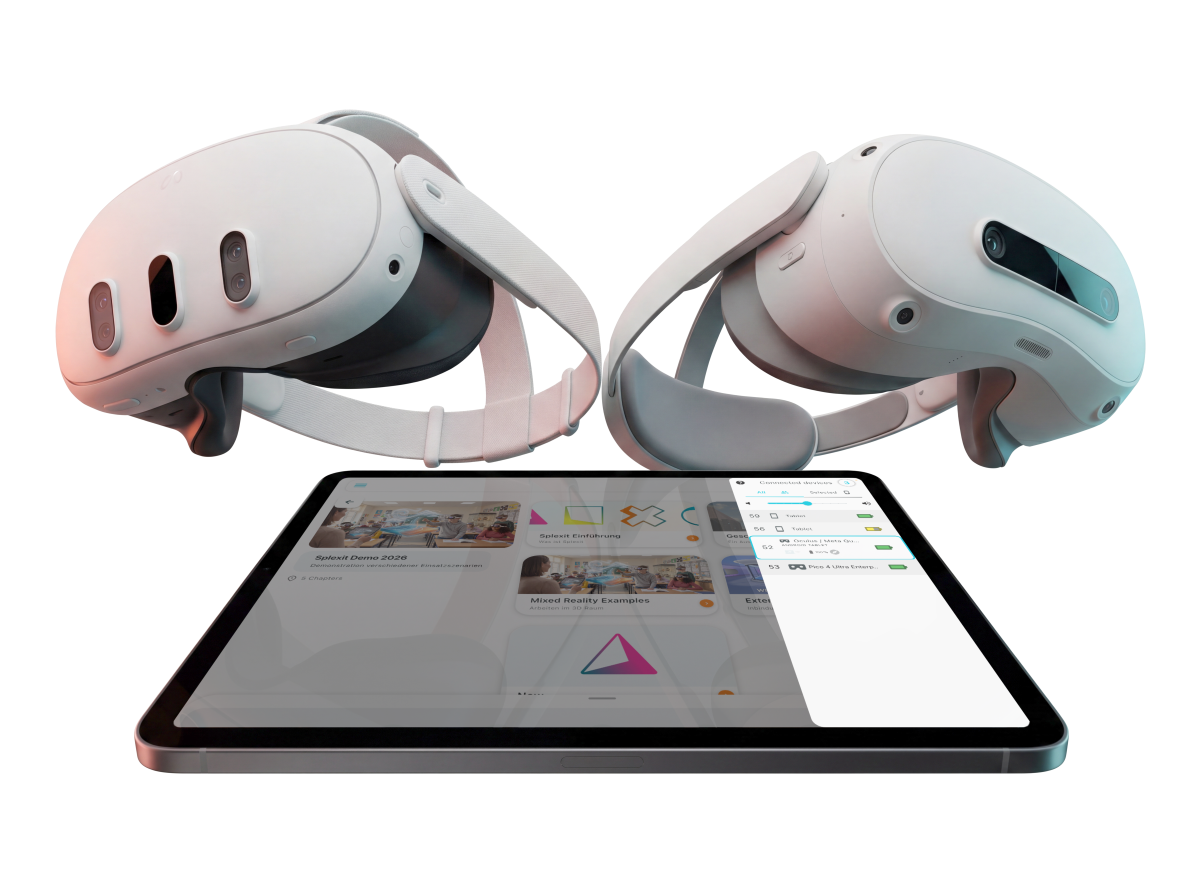
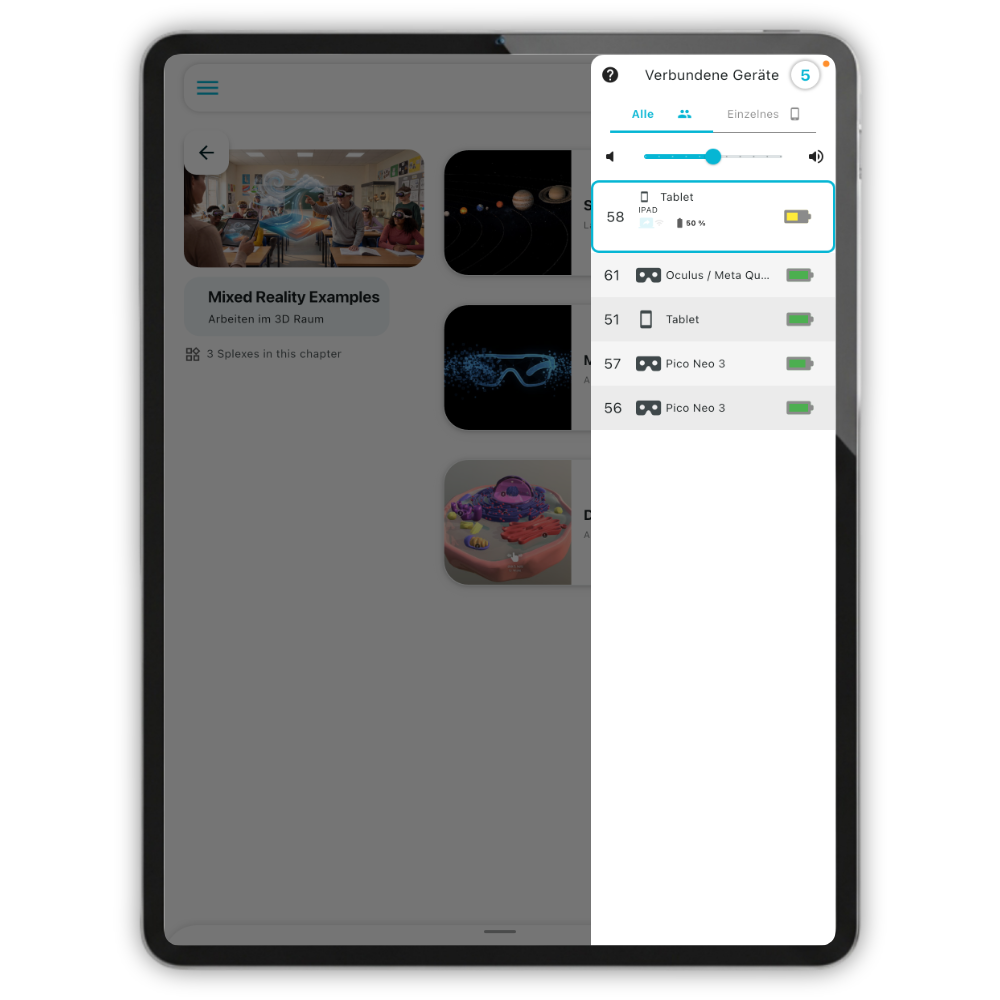
The Splexit Companion App for XR-Headsets is your control desk. Navigate scenes, manage devices, present live.
- Centrally controlled via the Splexit App
- Device status and management at a glance
- Speaker notes and non-linear navigation
- iOS and Android
Together.
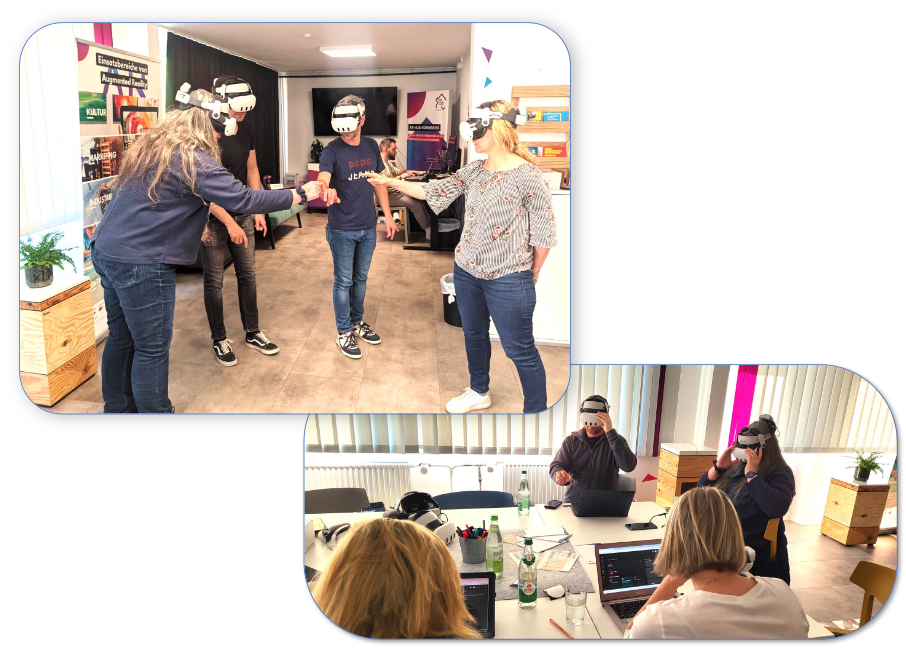
The session is your shared room. You lead from the tablet, tablet and XR-Headsets show the same scene, in sync and at the same time.
- True multi-user, together in the same room
- Presenter-led: you set the pace, focus and next step
- Devices connect automatically with one-click pairing
In the room.
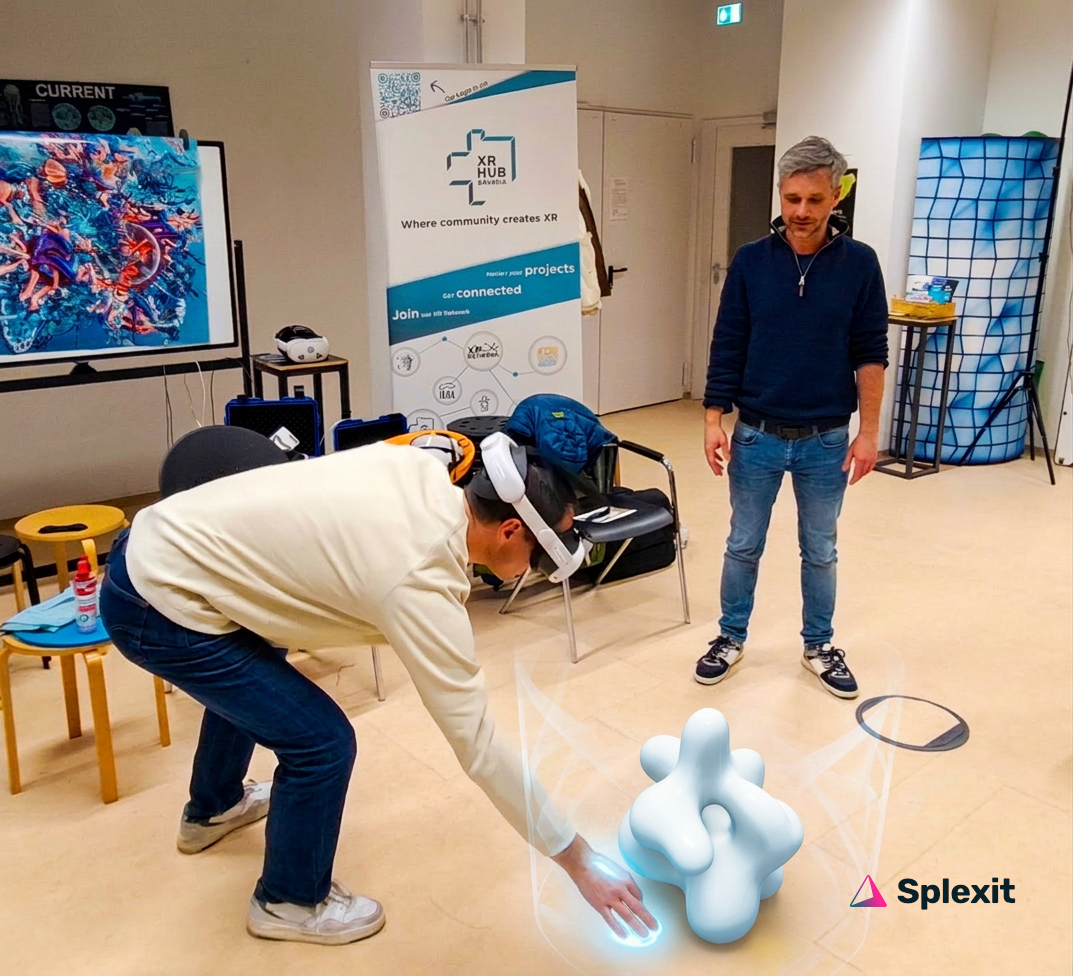
In the XR-Headset, the room is the stage. Grab content, rotate models, explore worlds, all with hand tracking.
- Passthrough: work spatially in the real room
- Anchor content to a place
- Explore virtual spaces and 360° worlds
Your CMS.
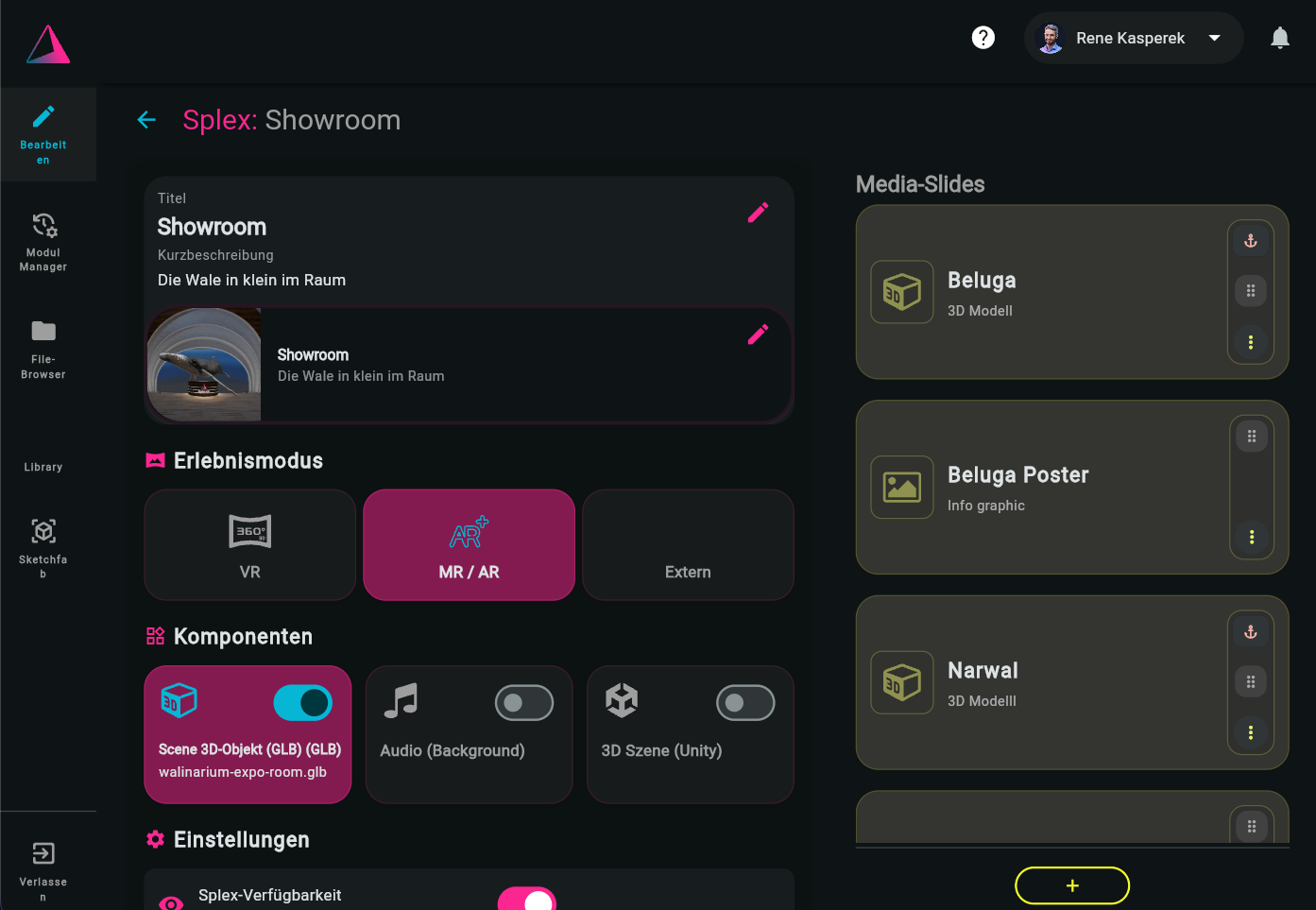
The dashboard is your editorial desk. Organise projects, assemble modules, share them with others.
- Create and manage projects and modules
- Assemble content with drag and drop
- Share and reuse modules
- Create your own content or adopt from the catalogue
360°. 3D. Video. Audio.
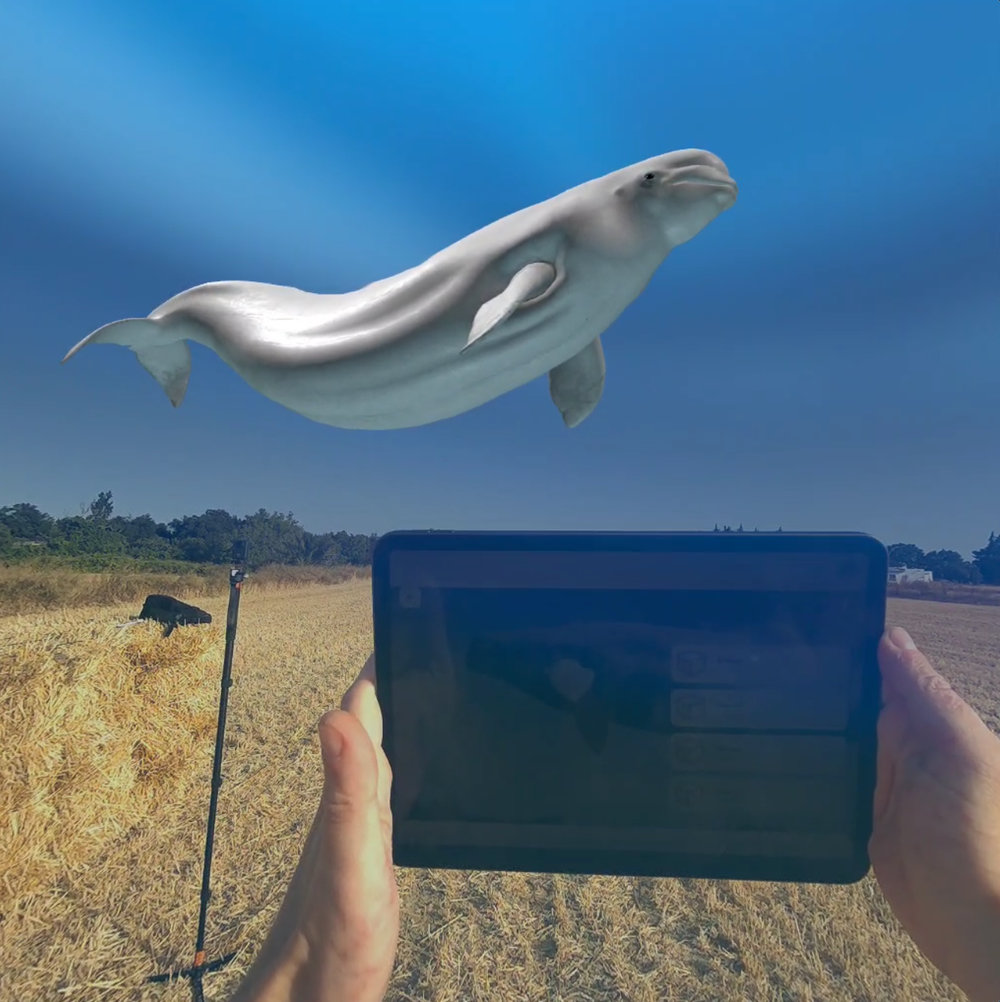
One scene, every format. Combine 360° worlds, 3D models, video and audio, your audience experiences it all in one place.
- 360° images and videos as environment
- 3D models to touch (glTF)
- Video and audio as context
- Interactive labels and info panels
3D Editor.
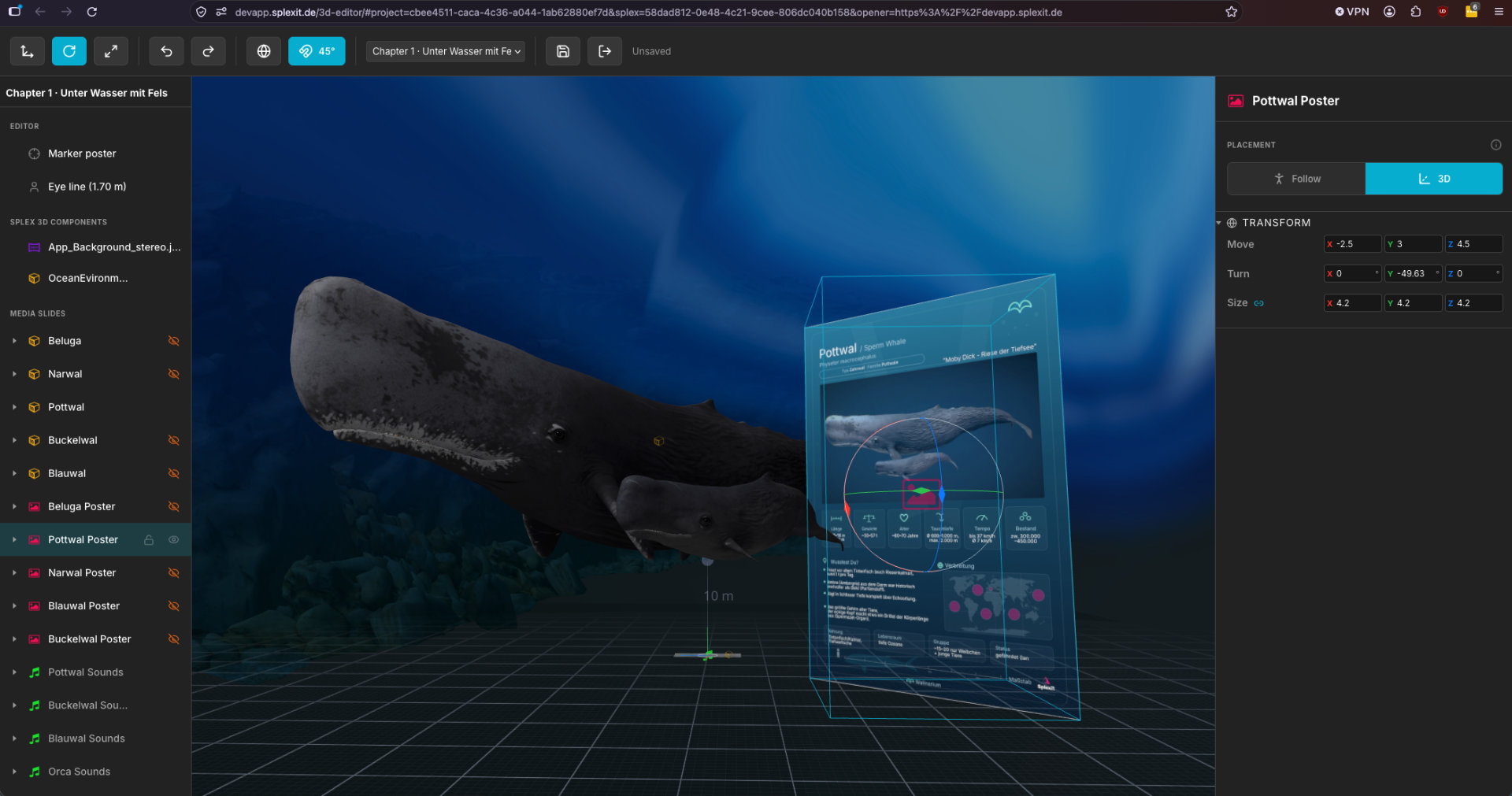
Place media in space, exactly as it will appear in the headset. Right in the browser.
- Arrange images, videos, audio and 3D models in the scene
- Move, rotate, scale
- Built for educators, no 3D skills required
Tablets and XR-Headsets.
Use the hardware you already have. Tablets and XR-Headsets, open standards and vendor-independent.

Pico Neo 3, 4 and Ultra / Enterprise
Available
HTC Vive Focus and Elite
On request
Tablet: iOS and Android
AvailableOffline.
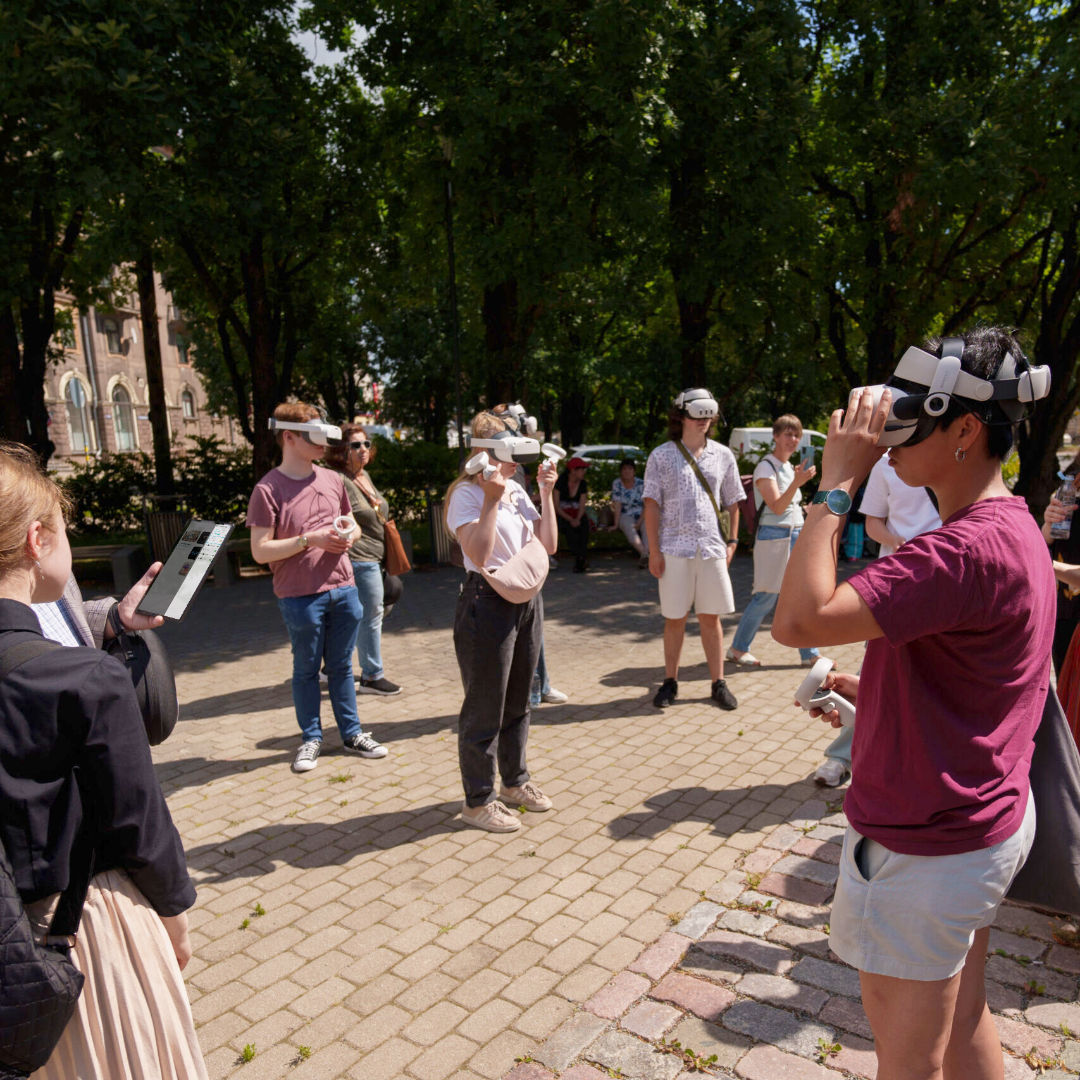
Presenting runs on a local network: outdoors, in the classroom, wherever you are.
- Also works outside the school network
- Pocket router for outdoor sessions
- Field-tested and proven in practice
Integrations.
Your tools, right in the dashboard. Import from Sketchfab, generate models with AI and connect further sources via API.
- Sketchfab library directly in the dashboard
- Generio AI for 3D models
- Polyfork for customisable 3D assets
- Open APIs for further connections
Open.
External immersive web applications are one tap away. Launch from the tablet, tablet and XR-Headsets show the same content, centrally controlled.
- Browser-based, directly from the Splexit App
- One tap starts all connected devices
- Delightex, Arrival.Space, 360cities and more
Launch centrally:
Open core.
The SDK is open. The standards too.
- OpenXR, glTF
- Splexit Unity SDK open source on GitHub
- Open formats, vendor-independent
- Content stays portable