Signia
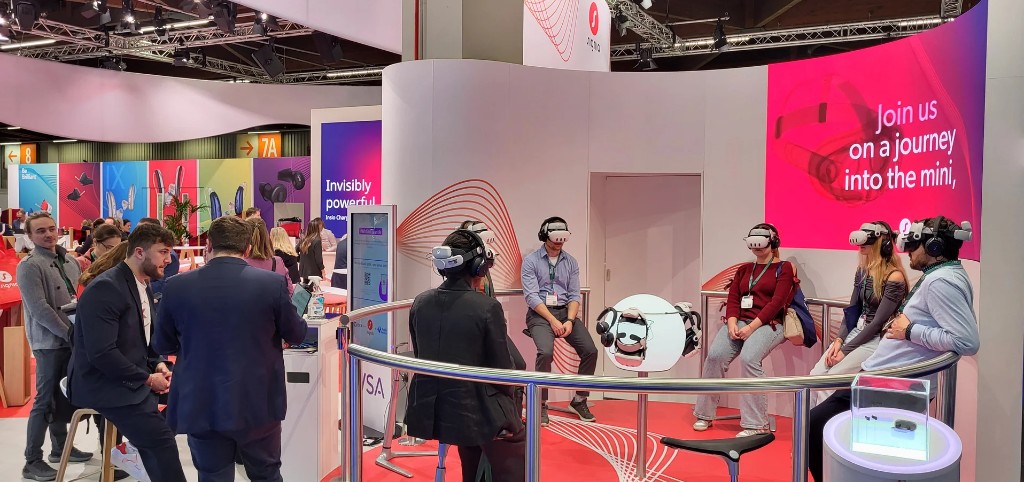
8 XR headsets, 1 moderator, local network
If you want to convey content with XR, the same questions come up: network, licence, privacy, IT approval. Whether you have a loan kit, an existing lab or are starting from scratch — this page covers both paths.
Splexit is the software to build your own experiences and run them yourself. If you already have a tablet and headsets on site, it comes down to two steps: install the software, make sure the network works. Further down if you start from zero or scale up.
Already have a tablet and XR headsets on site — loan kit, lab or test set? Then it is about getting Splexit as software onto them.
In essence, two steps: install the Companion App and Viewer App and ensure a network where tablet and headsets can talk to each other. That is usually all there is to it.
Companion App on the tablet, Viewer App on the XR headsets — compatible with Meta Quest, Pico and common tablets. Instructions and downloads on Downloads.
Tablet and headsets must be on the same network. Before your presentation, load content onto the devices — via the dashboard, in the Companion App or in the browser. That needs internet once. During presentation everything runs locally: control and display without permanent internet. If the venue Wi‑Fi is not enough, a pocket router or hotspot in the kit often suffices.
Privacy, ports and hosting for your IT team: section For your IT team. No device set yet? Further down under Starting from zero or scaling up.
What network administration and data protection officers typically need to know.
CMS and downloads: HTTPS outbound (TCP 443) to Splexit hosting in the EU. Content is downloaded once, then used locally.
Live session: Tablet and XR headsets on the same Wi‑Fi. No permanent internet during presentation. On restrictive institutional networks: dedicated router in the kit so firewall tickets are avoided.
Firewall/router configuration:
Technical details and port checklists: docs.splexit.de
Today: Participants join sessions without accounts, anonymous and data-minimal. No profile, no tracking in this mode. Splexit handles data transparently and keeps privacy-friendly defaults.
Hosting: Designed for GDPR, run as a managed service by Splexit on servers in DE/EU (Hetzner), data processing agreement under Art. 28 GDPR. External services only with your consent.
Details in our Privacy policy, technical context on Technology.
No tablet and headsets yet — or moving beyond a test set? Then you need more than installing the Splexit app: hardware, device management and partners for rollout.
Splexit provides the software and advises on app, sync and licences — as the layer on top. Kits, MDM and rollout come from system providers or hardware specialists; we support coordination with your team.
MDM (mobile device management) is central administration of your XR headsets: deploying apps, configuring devices, managing updates. With system providers, MDM is often part of the complete package; hardware specialists and your IT set it up depending on the offer. Splexit advises on Splexit app requirements, sync, licence model and alignment with your setup. One headset model per kit reduces support effort in the field.
A kit with eight headsets can often still be maintained manually — if someone with the necessary know-how is available or willing to get up to speed. For larger fleets, MDM is worth considering: setup and administration become significantly easier.
Not every partner does the same thing. System providers such as VIL deliver a fully configured system — kit, XR headsets, tablet and MDM from one source, often with a portal for Splexit app distribution on school networks. Hardware specialists such as VR Expert, Schenker or Schwarz IT primarily supply devices and cases; scope of MDM, rollout and support varies by provider.
Splexit sits on top as the software layer: application, licence management, advice on sync and content. We help you choose what fits your use case and align with your system or hardware partner. The table shows who supplies what — and for your team, usage versus administration.
| Area | Splexit | Hardware specialist | Your team |
|---|---|---|---|
| Application (software) | Supplies | Not responsible | Usage |
| Licence management & accounts | Provides | Not responsible | Administration |
| Content & synchronisation | Recommends, advises | Not responsible | Usage |
| XR headsets & cases | Recommends, coordinates | Supplies | Usage |
| MDM setup | Advises | Varies by provider | Administration |
| Hosting | Managed service | Not responsible | Administration (optional in-house) |
| Rollout & handover | Advises | Supports | Administration |
Splexit app licences: Pricing & licences. Custom content and experiences: Projects & experiences. Media centres: For media centres.
Trade show, on-site workshop, tour on the road — three projects below where setup and operation became concrete. Each scenario puts different demands on devices, network and preparation.
Details on the project pages; overview on Projects & experiences.
8 XR headsets, 1 moderator, local network
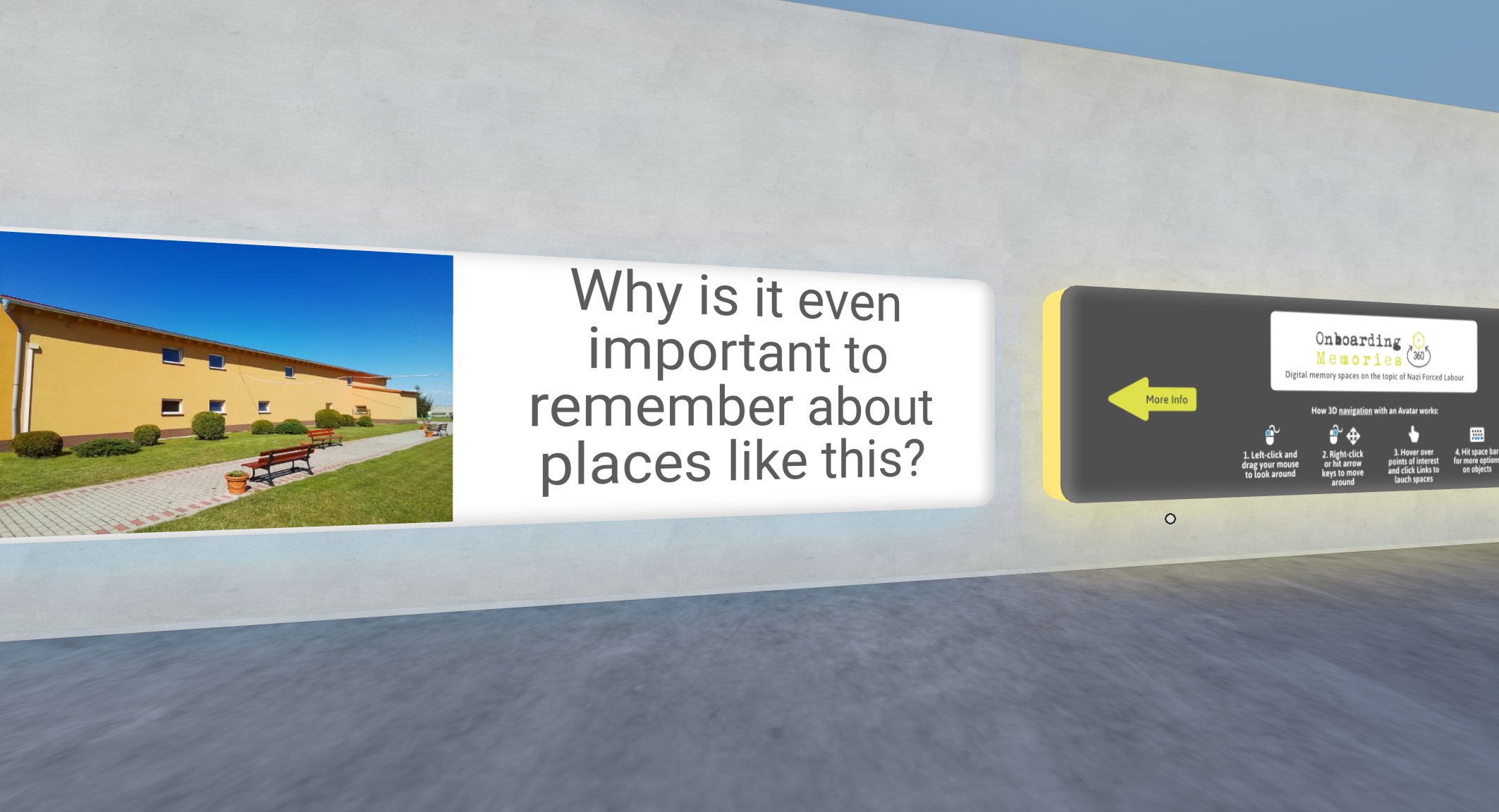
Guided VR sessions, remembrance culture
Workshops and presentations on site: tablet control, synchronised in the headsets — for group work and guided VR experiences in remembrance education.
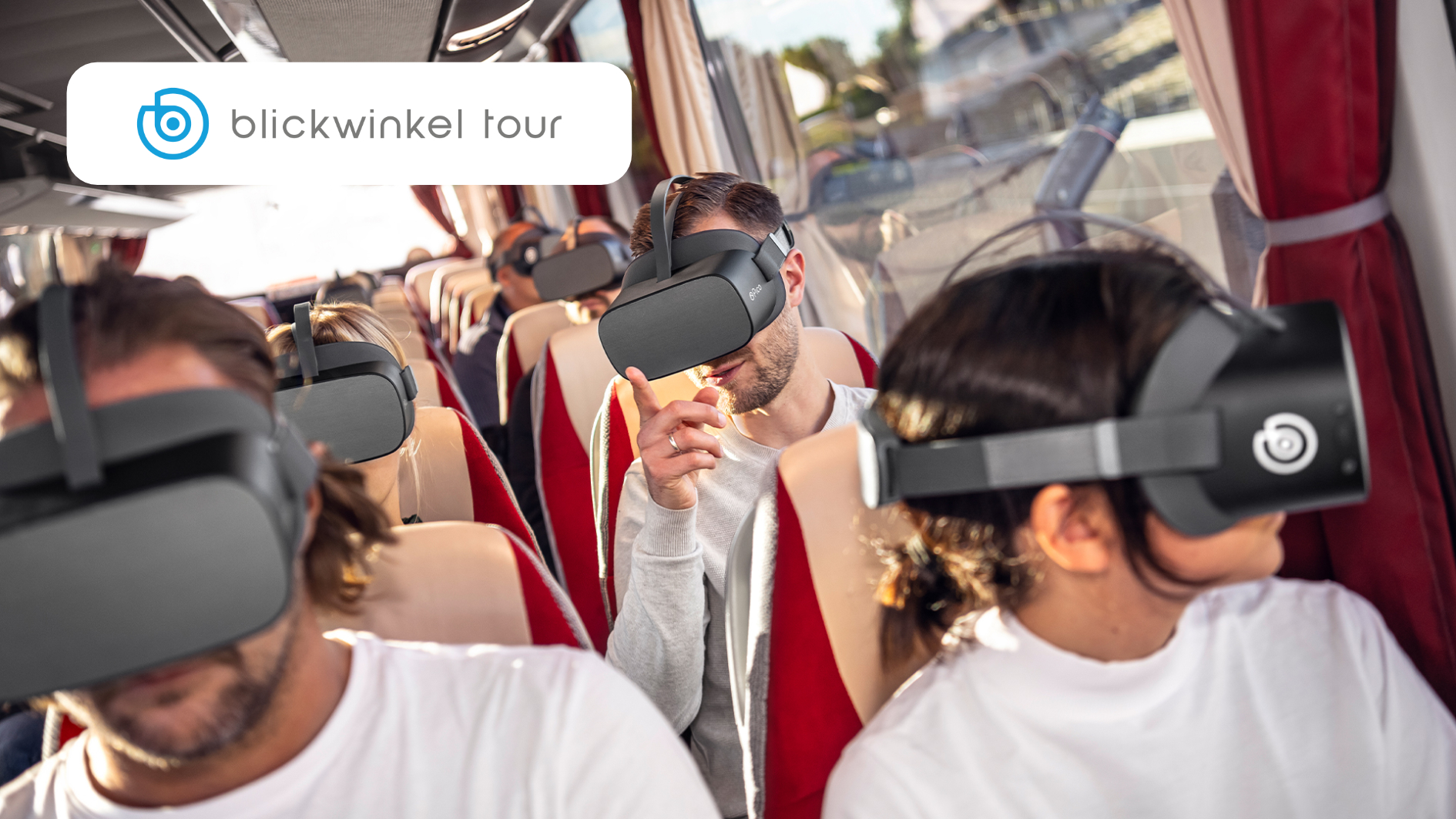
Offline sync, changing groups, high throughput
Guided sessions on the road: network and device setup planned for changing locations and groups.
If you are starting from zero, scaling up or planning for an institution: tell us your context (media centre, museum, lab, tour, event), group size and whether you already have devices. That way the first call can be concrete.